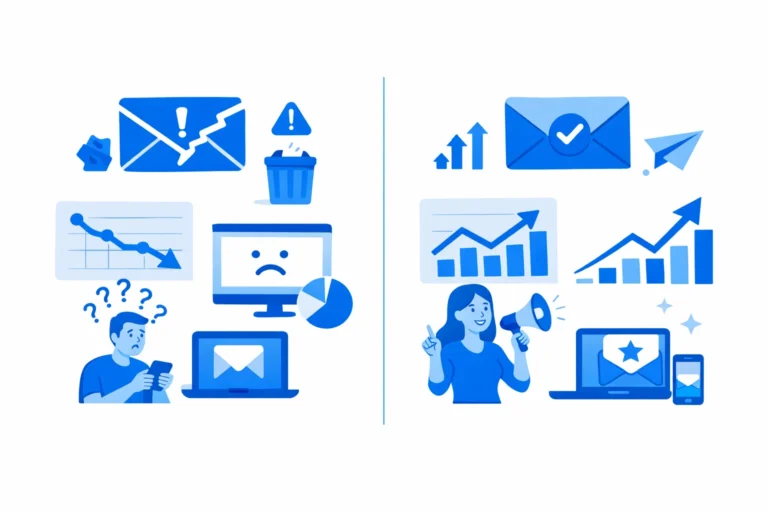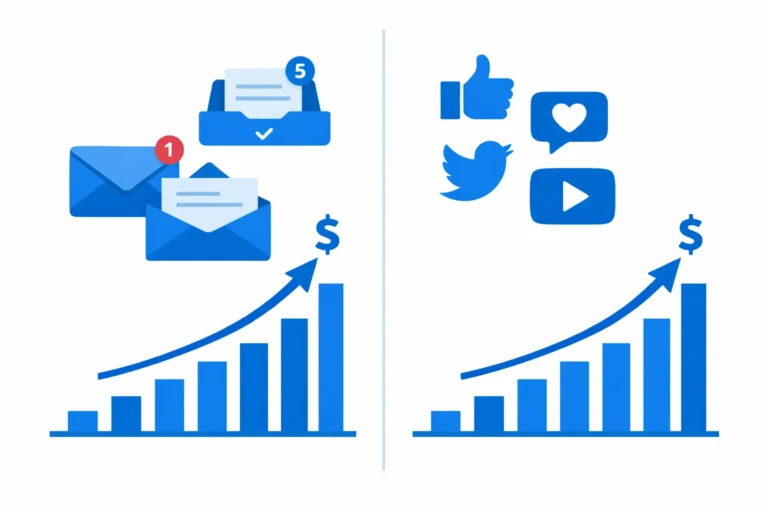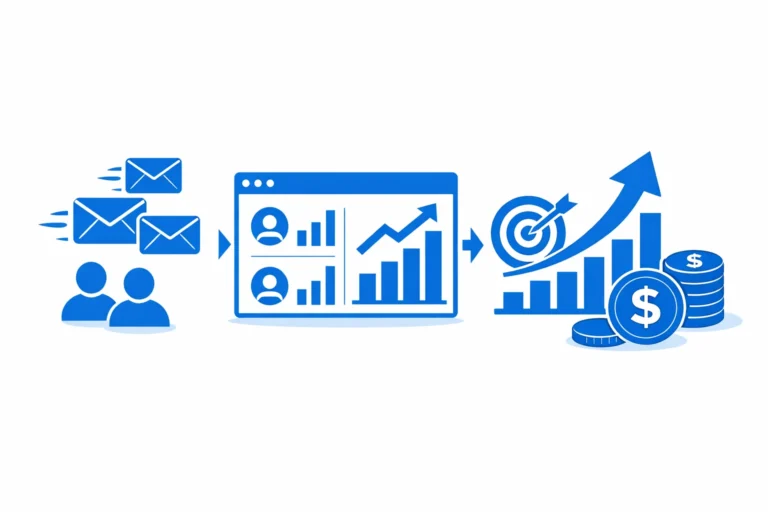

In 2026, small businesses are constantly searching for ways to maximize efficiency and drive more sales without adding more workload. The solution? Email automation.
Email automation allows businesses to send the right email to the right person at the right time—automatically. It saves time, nurtures leads, and ultimately boosts conversions, making it one of the most powerful tools in any marketer’s toolkit.
In this complete guide, we’ll explain everything about email automation, how it works, and actionable strategies to implement it for your business.
What Is Email Automation?
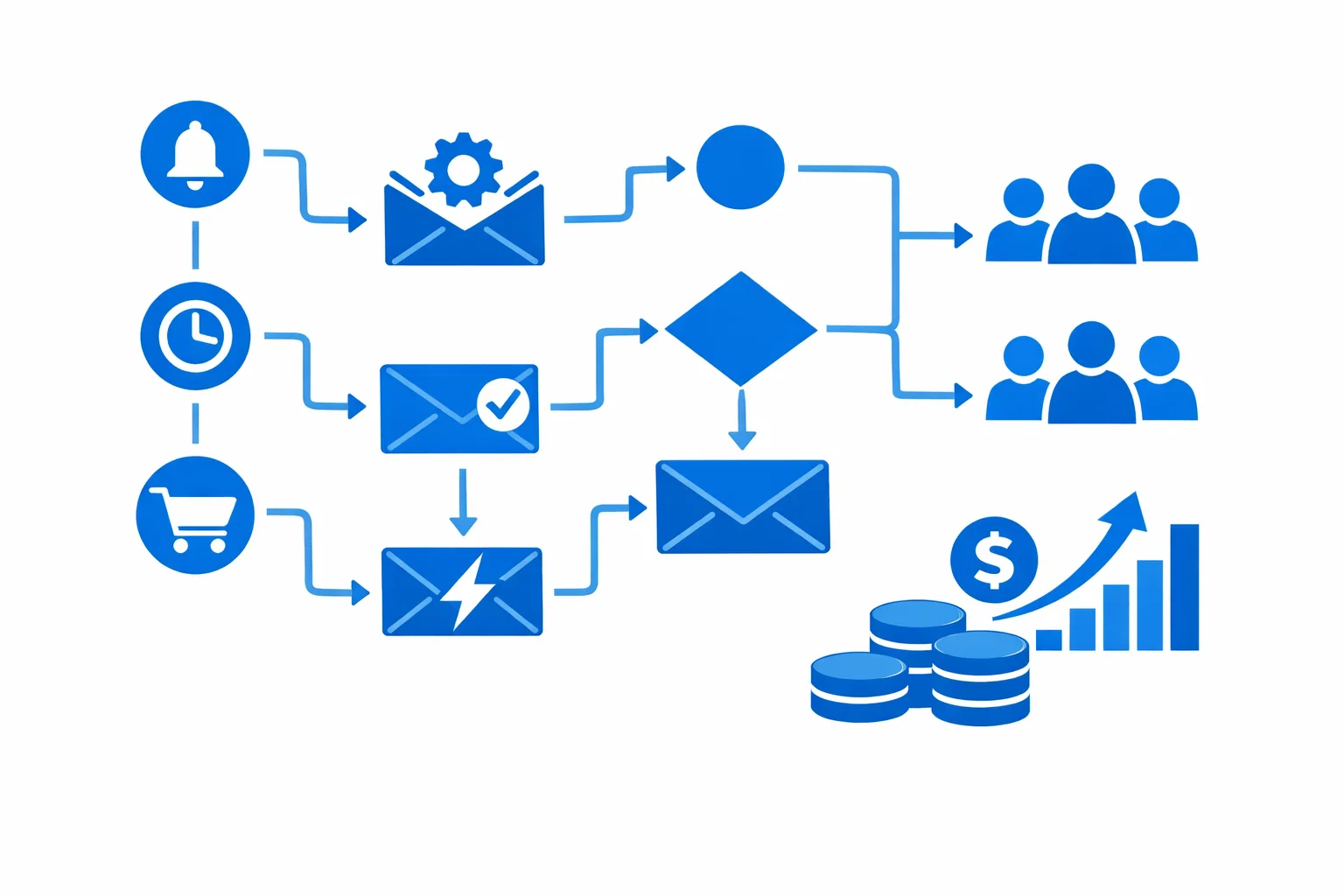
Email automation is the process of setting up pre-scheduled or triggered emails that are sent automatically based on specific conditions, behaviors, or events.
Unlike manual campaigns, automation ensures your subscribers receive relevant messages without constant intervention.
Common Automation Types:
- Welcome emails for new subscribers
- Abandoned cart emails for e-commerce
- Follow-up sequences after downloads or inquiries
- Re-engagement campaigns for inactive subscribers
- Upsell or cross-sell campaigns
Automation turns email marketing into a continuous revenue-generating system.
Why Email Automation Is Essential for Small Businesses
Small businesses often struggle with limited time and resources. Email automation helps by:
- Saving hours of repetitive work
- Ensuring timely communication
- Nurturing leads through the buyer’s journey
- Increasing conversions and ROI
- Delivering personalized content at scale
In short, automation allows businesses to grow revenue without adding extra workload.
Step 1: Plan Your Automated Email Workflows
Automation begins with strategy, not software.
Key Planning Steps:
- Define your goals – Increase sales, nurture leads, retain customers
- Map your customer journey – Identify touchpoints and triggers
- Choose triggers – Signup, purchase, inactivity, download, or click
- Determine email sequence – Number of emails, timing, content flow
Example:
A new subscriber could receive a 3-step welcome sequence:
- Email 1: Welcome & brand introduction
- Email 2: Share valuable content
- Email 3: Offer a small discount to encourage first purchase
Planning ensures your automation aligns with business goals and audience needs.
Step 2: Segment Your Audience for Personalization
Segmentation is critical in automation. Sending generic emails reduces engagement and conversions.
Segmentation Ideas:
- New vs existing customers
- Purchase behavior
- Email engagement levels
- Product preferences
With automation + segmentation, you can send highly relevant content to every subscriber, improving both open and conversion rates.
Step 3: Craft Emails That Convert
Automated emails must deliver value while guiding subscribers toward action.
Tips for High-Converting Automated Emails:
- Use personalized greetings
- Keep content concise and actionable
- Highlight benefits clearly
- Include one strong call-to-action (CTA) per email
- Optimize for mobile devices
For example, abandoned cart emails should remind users of their items and create urgency with a clear CTA like “Complete Your Purchase Now.”
Step 4: Set Timed and Triggered Sequences
Timing is crucial for automation success.
Examples:
- Send welcome emails immediately after signup
- Schedule follow-up emails 2–3 days after download
- Trigger re-engagement emails after 30 days of inactivity
- Send birthday or anniversary emails to drive loyalty
Properly timed sequences increase engagement and conversions without spamming subscribers.
Step 5: Test, Optimize, and Analyze Performance
Automation is not “set it and forget it.”
Key Metrics to Monitor:
- Open rates
- Click-through rates
- Conversions per sequence
- Revenue generated
- Unsubscribes
Optimization Tips:
- A/B test subject lines and email content
- Adjust timing based on engagement patterns
- Remove or modify underperforming emails
Continuous optimization ensures your automation delivers consistent results.
Step 6: Ensure Compliance and List Health
Automated emails must follow email marketing laws like GDPR, CAN-SPAM, and CASL.
Compliance Checklist:
- Clear opt-in consent from subscribers
- Easy-to-find unsubscribe link
- Accurate sender information
- No misleading subject lines
Also, keep your list clean by removing inactive or bounced emails, which protects deliverability.
Step 7: Use Automation to Boost Conversions
Automation works best when paired with conversion-focused strategies:
- Upsell / Cross-sell Emails: Automatically suggest related products or upgrades
- Re-engagement Sequences: Win back inactive customers
- Cart Abandonment Emails: Encourage users to complete purchases
- Post-Purchase Follow-ups: Collect reviews and suggest complementary products
Proper automation can significantly increase revenue per subscriber without additional manual effort.
Step 8: Why Businesses Choose Professional Email Automation Services
Setting up email automation is not just about pressing “send.” It involves:
- Choosing the right software
- Mapping workflows for different audience segments
- Designing professional emails
- Testing sequences for maximum ROI
At EmailMarketingRocket, we help small businesses plan, design, and execute automation workflows that save time and drive measurable sales growth.
👉 Get started with a custom automation strategy:
https://emailmarketingrocket.com/get-a-quote/
Final Thoughts
Email automation is the ultimate time-saving tool for small businesses that want to grow efficiently.
When implemented strategically, automation:
- Nurtures leads 24/7
- Builds trust and engagement
- Boosts conversions
- Frees your team to focus on other growth initiatives
If you want your emails to work smarter, not harder, professional guidance can make all the difference.
👉 Contact EmailMarketingRocket today:
https://emailmarketingrocket.com/contact/